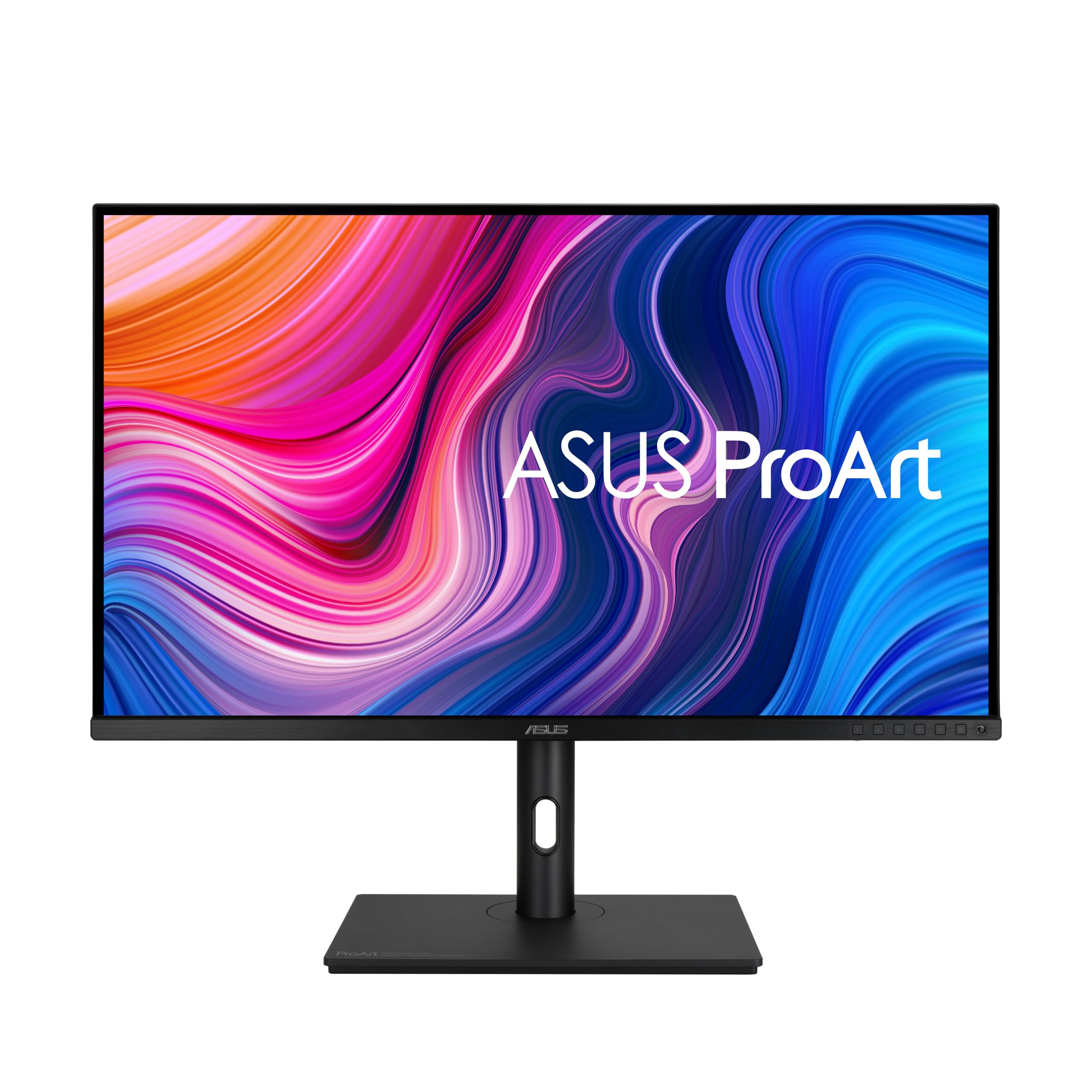
Choosing the right computer monitor involves understanding your needs and comparing features like resolution, connectivity options, and color accuracy.
Why Choosing This Type of Computer Monitors is Difficult
Selecting a high-end computer monitor can be daunting due to the myriad choices available. Factors such as screen size, resolution, panel type, and additional features like USB hubs or HDR support complicate decision-making. Each aspect has its pros and cons, making it challenging for buyers to pinpoint what they truly need.
Common Buyer Mistakes
Many consumers make purchasing decisions based on marketing hype rather than practical needs. For instance, some might opt for a 4K monitor without considering if their graphics card can handle the resolution effectively or whether they will benefit from such high detail in everyday tasks like web browsing and office work.
Another common mistake is overlooking ergonomic features that enhance comfort during long hours of use. Adjustable stands and tilt options are often undervalued, leading to potential strain on users’ necks and backs over time.
Key Features Buyers Should Compare
When shopping for a new monitor, it’s crucial to compare several key attributes:
Resolution: Higher resolutions like 4K offer sharper images but require powerful hardware.
Panel Type: IPS panels provide better color accuracy and viewing angles compared to TN or VA types.
Connectivity Options: Look at the availability of USB-C ports for charging laptops, DisplayPort support for high refresh rates, and HDMI compatibility for versatility with other devices.
Real-world Use Experience and Expectations
In real-life scenarios, a monitor like the ASUS ProArt PA329CV excels in professional settings where color accuracy is paramount. Its 4K resolution ensures crisp visuals suitable for photo editing or video production tasks. However, users might find it less appealing if they primarily use their computer for casual browsing and basic office applications.
Where This Product Fits (Strengths & Weaknesses)
The ASUS ProArt PA329CV shines in creative workspaces due to its excellent color reproduction and ergonomic design features such as a height-adjustable stand. It supports multiple connectivity options, making it versatile across different setups. However, the monitor’s high price point may be prohibitive for casual users who do not require advanced display capabilities.
Who Should Avoid This Product
Casual computer users or those on tight budgets should avoid investing in premium monitors like the ASUS ProArt PA329CV unless they have specific needs that justify the cost. Individuals looking primarily to browse social media, watch videos, and perform basic office tasks will likely find more affordable alternatives better suited for their requirements.
Comparison with Alternative Options in the Same Category
When comparing similar high-end models from brands like Dell or HP, consider factors such as build quality, additional features (like built-in speakers), and warranty terms. For instance, a Dell UltraSharp 4K monitor might offer comparable resolution but differ significantly in color accuracy and connectivity options.
Maintenance and Long-term Considerations
Regular maintenance includes cleaning the screen with appropriate solutions to avoid scratches or damage from harsh chemicals. Additionally, ensuring proper ventilation around the monitor can prolong its lifespan by preventing overheating issues. Users should also consider long-term support availability for troubleshooting any potential hardware failures down the line.
How do I know if a 4K resolution is necessary?
Choosing between Full HD and 4K largely depends on your intended use case. For professional applications such as graphic design or video editing, where detailed visuals are crucial, investing in a 4K monitor offers significant advantages. However, for general computing tasks like web browsing or document creation, the benefits of 4K may be less noticeable.
Is it worth spending extra money on ergonomic features?
Ergonomic designs enhance user comfort during prolonged use by reducing strain and fatigue. While these features add to the overall cost, they can significantly improve your daily experience with minimal long-term health risks associated with poor posture or inadequate support mechanisms.
What should I look for in terms of color accuracy when choosing a monitor?
For users involved in creative work like photography or videography, accurate colors are paramount. Look for monitors that offer wide color gamuts (such as 100% sRGB/Rec.709) and low delta-E values (<2), indicating precise reproduction across various shades and hues.
Final Neutral Thoughts
Selecting the right computer monitor involves balancing personal needs with technical specifications to find a model that meets your requirements without unnecessary extravagance. By carefully considering factors like resolution, panel type, connectivity options, and ergonomic features, you can make an informed decision tailored specifically for your usage scenario.