Choosing the right computer monitor involves understanding your needs and avoiding common pitfalls; this guide helps you navigate through key features and.
Choosing the right computer monitors can be a daunting task due to the wide range of options available in terms of size, resolution, connectivity, and price. With so many choices on the market, it’s easy for buyers to get overwhelmed or make mistakes that could lead to dissatisfaction with their purchase. Understanding your specific requirements is crucial before diving into the myriad features offered by different models.
Why Choosing This Type of Computer Monitors Is Difficult
The difficulty in selecting a suitable computer monitor stems from several factors, including varying technical specifications and personal preferences. For instance, gamers might prioritize high refresh rates and low response times over color accuracy or resolution, whereas graphic designers may need precise colors and wide viewing angles. Additionally, the rapid pace of technological advancements means that new features are constantly being introduced, making it challenging to keep up with what’s best for your needs.
Common Buyer Mistakes
One common mistake buyers make is focusing too much on a single feature like resolution or size without considering how other aspects such as connectivity options and ergonomic design fit into their workflow. Another frequent error is buying based solely on price rather than value, which can result in settling for lower quality components that may not meet long-term needs.
Key Features Buyers Should Compare
When shopping for computer monitors, it’s essential to compare key features like resolution (4K vs 1080p), refresh rate (60Hz vs 120Hz or higher), and connectivity options (HDMI, DisplayPort, USB-C). Other important factors include panel type (IPS, VA, TN) for viewing angles and color accuracy, as well as additional features like built-in speakers or webcam quality.
Real-World Use Experience and Expectations
In real-world use scenarios, a high-resolution monitor can significantly enhance productivity by allowing more workspace on the screen. However, it’s important to set realistic expectations regarding performance improvements based solely on resolution upgrades. For instance, while 4K monitors offer stunning clarity, they may not provide noticeable benefits for basic tasks like web browsing or document editing.
Where This Product Fits (Strengths & Weaknesses)
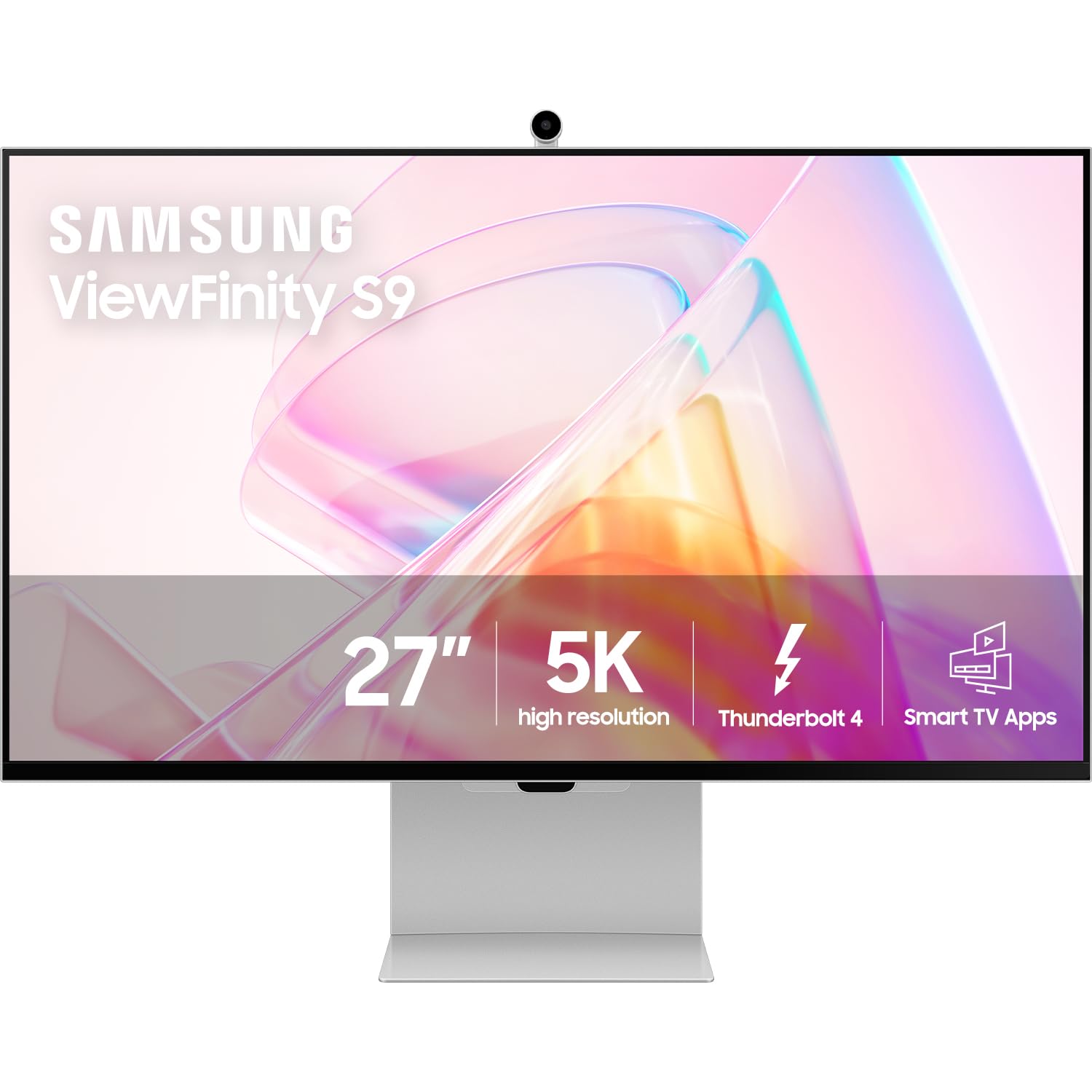
The Samsung ViewFinity S9 Series is a high-end computer monitor designed primarily for professionals who require top-tier performance and features. Its strengths lie in its 5K resolution, Thunderbolt connectivity, and robust set of smart TV apps that enhance functionality beyond standard display capabilities. However, it comes with a hefty price tag and may not be the best choice if budget constraints are significant.
Who Should Avoid This Product
This product is likely unsuitable for users on tight budgets or those who do not require advanced features such as 5K resolution or Thunderbolt connectivity. Gamers looking primarily for high refresh rates might also find other models more suitable, despite this monitor’s excellent color accuracy and viewing angles.
Comparison with Alternative Options in the Same Category
When comparing alternatives to the Samsung ViewFinity S9 Series, consider monitors like Dell UltraSharp U2718Q or LG 27UK650-W. These offer similar features but may come at a lower price point depending on your specific needs and preferences.
Maintenance and Long-Term Considerations
Maintaining computer monitors involves regular cleaning with appropriate solutions, avoiding direct sunlight exposure to prevent color degradation over time, and ensuring proper ventilation to prolong hardware life. Additionally, considering the long-term cost of ownership is crucial when evaluating initial investment versus potential upgrade cycles every few years.
How often should I clean my computer monitor?
Regularly wiping down your computer monitors with a soft cloth dampened in distilled water or using specialized screen cleaning solutions can help maintain clarity and prevent scratches. Aim to do this at least once a month, more frequently if you use the device daily in dusty environments.
Is it worth investing in high-end features like 5K resolution?
Investing in high-end features depends on your specific needs and budget constraints. For professionals requiring precise color accuracy or extensive multitasking capabilities, such upgrades can significantly enhance productivity despite higher costs upfront.
What are some common issues with cheaper alternatives to premium monitors?
Cheaper computer monitor models often compromise on build quality, longevity of components, and long-term support from manufacturers compared to their more expensive counterparts. This could lead to frequent malfunctions or reduced performance over time.
Final Neutral Thoughts
Selecting the right computer monitor involves balancing your specific needs with available options in terms of features, price points, and brand reputation. By avoiding common pitfalls such as focusing too narrowly on one aspect like resolution without considering others equally important factors, you can make a more informed decision that meets both immediate requirements and long-term expectations.