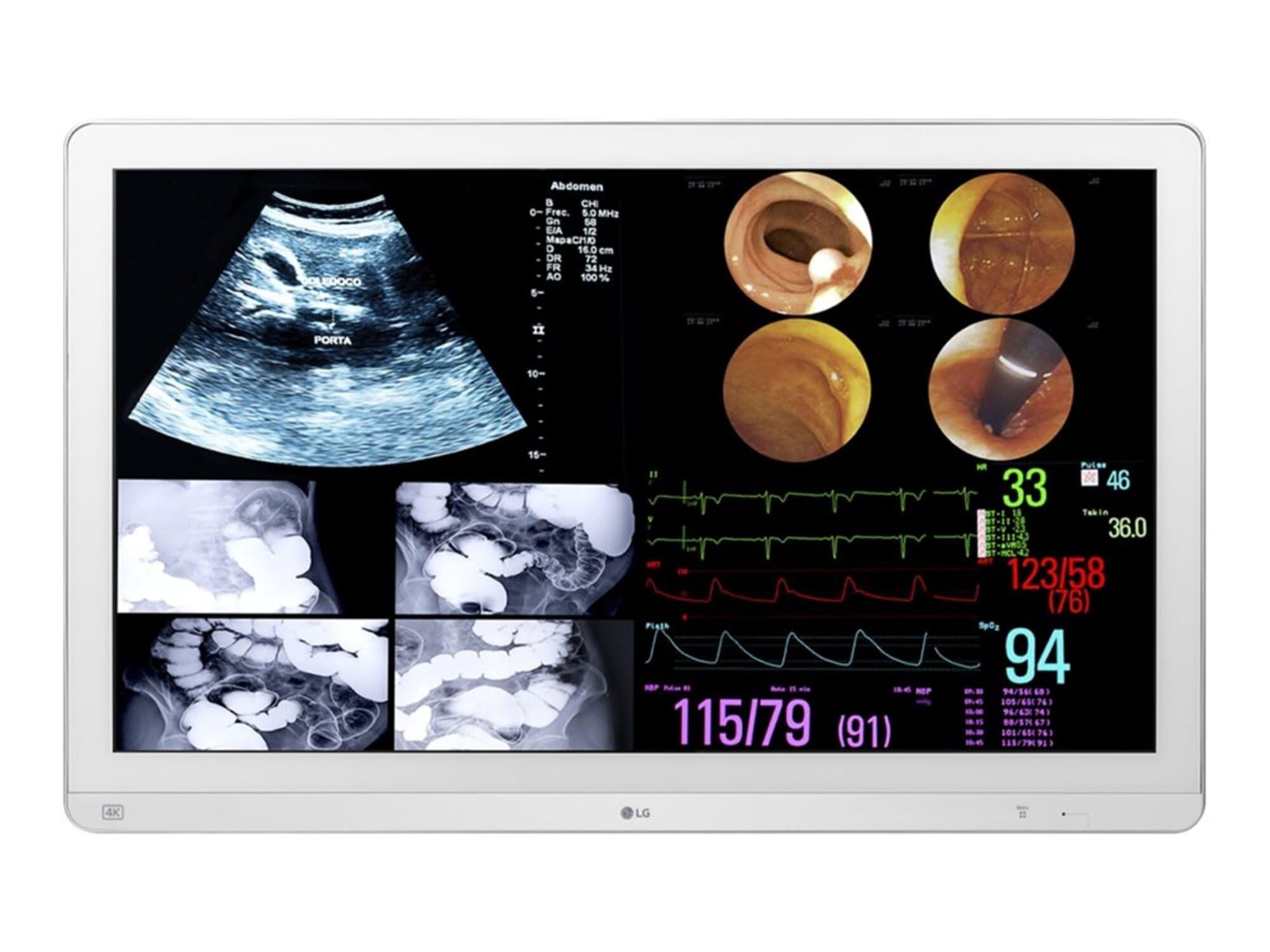
Choosing the right computer monitor involves understanding your needs, comparing features, and avoiding common mistakes. This guide helps you make an informed.
Choosing the right computer monitors can be a daunting task due to the sheer variety of options available in today’s market. With numerous brands offering different sizes, resolutions, refresh rates, and additional features like HDR or USB-C connectivity, it’s easy for buyers to feel overwhelmed. This guide aims to simplify your decision-making process by highlighting key considerations and common pitfalls.
Why Choosing This Type of Computer Monitors is Difficult
The difficulty in choosing the right computer monitors stems from several factors:
Diverse Needs: Different users have varying requirements based on their activities, such as gaming, graphic design, or general office work.
Technical Specifications: Understanding terms like resolution (4K vs. Full HD), refresh rate (120Hz vs. 60Hz), and color accuracy can be challenging for the average consumer.
Marketing Hype: Manufacturers often emphasize certain features while downplaying others, making it hard to discern true value.
Common Buyer Mistakes
Avoid these common mistakes when selecting your next monitor:
Overlooking ergonomic adjustments like tilt or height settings that enhance comfort during long hours of use.
Ignoring the importance of color accuracy and contrast ratio for creative professionals who rely on precise visuals.
Focusing solely on price without considering long-term value, such as energy efficiency and durability.
Key Features Buyers Should Compare
When shopping for computer monitors, focus on these essential features:
Resolution
Higher resolutions like 4K offer more detail but may require powerful hardware to run smoothly. Full HD is a balanced option offering good clarity at lower costs.
Refresh Rate
A higher refresh rate (120Hz or above) reduces motion blur and enhances gaming performance, while standard rates (60Hz) suffice for most non-gaming tasks.
Connectivity Options
Look for monitors with multiple ports including HDMI, DisplayPort, USB-C, to ensure compatibility with your devices. Additional features like built-in speakers can also be beneficial but are not essential for everyone.
Real-World Use Experience and Expectations
In real-world scenarios, a high-quality computer monitor should meet the following expectations:
Provide clear visuals without noticeable lag or ghosting during fast-paced gaming.
Offer comfortable viewing angles with good color reproduction suitable for both entertainment and professional work.
Be easy to set up and adjust according to your workspace requirements.
Where This Product Fits (Strengths & Weaknesses)
The LG 32HL714S-W is a versatile monitor that excels in several areas:
Strengths
Wide Viewing Angle: Ensures consistent color accuracy from multiple angles.
HDR Compatibility: Enhances contrast and detail for better picture quality, especially beneficial for HDR content.
Weaknesses
Limited Ergonomic Adjustments: May not suit users requiring extensive flexibility beyond basic tilt adjustments.
Price Point: While offering good value, it might be more expensive than entry-level alternatives without comparable features.
Who Should Avoid This Product
This monitor is less suitable for:
Users prioritizing budget over advanced features and who may find the price point too high compared to their needs.
Individuals requiring extensive ergonomic adjustments beyond basic tilt settings due to limited adjustability options.
Comparison with Alternative Options in the Same Category
When comparing monitors, consider alternatives like the Dell S2719DGF or Acer Nitro VG240YP. These models offer similar features but may vary in price and specific capabilities such as refresh rate or connectivity types. Evaluating these differences helps you choose a monitor that best fits your requirements.
Maintenance and Long-Term Considerations
Maintaining your computer monitors involves regular cleaning with soft cloths, avoiding direct sunlight to prevent color degradation over time, and ensuring proper ventilation to extend lifespan.
Cleaning Tips
Use microfiber cloth for dust removal.
Apply mild soap solution on a damp cloth if necessary but avoid spraying directly onto the screen.
Frequently Asked Questions
How do I choose between 4K and Full HD monitors?
Consider your usage: 4K offers superior detail, ideal for graphic design or high-definition gaming. For general use, Full HD provides good clarity at lower costs.
What is HDR and why should I care about it in a monitor?
HDR enhances contrast by increasing the range of colors displayed, making dark scenes richer while brightening highlights. It’s crucial if you frequently watch movies or play games with HDR support for better visual quality.
Is it worth investing in a high-end monitor over an entry-level one?
For users demanding superior image quality and performance (e.g., gamers, designers), the investment is worthwhile due to long-term benefits like reduced eye strain and enhanced productivity. For casual use, more affordable options might suffice.
Final Neutral Thoughts
Selecting the right computer monitors involves balancing your specific needs with available features and budget constraints. By understanding key factors such as resolution, refresh rate, and connectivity options, you can make an informed decision that enhances both comfort and performance in your daily activities.