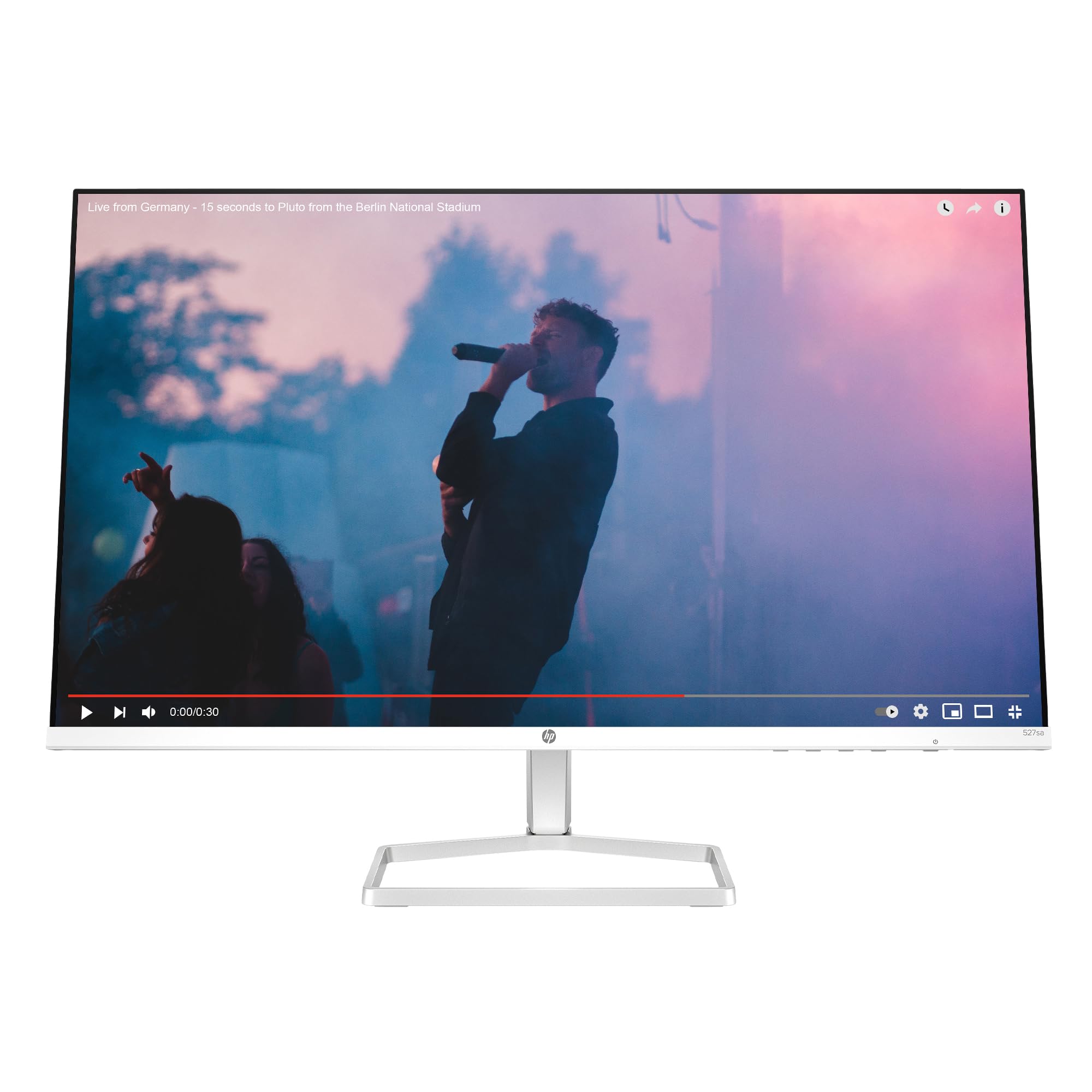
Choosing the right computer monitor involves understanding your needs and avoiding common mistakes; this guide helps you navigate through key features.
Choosing the right computer monitors is a daunting task due to the sheer variety of options available in terms of size, resolution, panel type, and additional features. Each aspect has its pros and cons, making it challenging for buyers to decide which monitor suits their specific requirements best. This guide aims to simplify this process by highlighting common pitfalls and essential factors to consider when selecting a computer monitor.
Why Choosing the Right Computer Monitors is Difficult
The difficulty in choosing the right computer monitors stems from several factors:
Overwhelming Options: With numerous brands offering various sizes, resolutions, panel types (IPS, TN, VA), refresh rates, and additional features like USB hubs or built-in speakers, it’s easy to feel overwhelmed.
Varying Needs: What works for a graphic designer might not be suitable for someone who primarily uses spreadsheets. Understanding your specific needs is crucial.
Common Buyer Mistakes
Avoid these common mistakes when shopping for computer monitors:
Focusing Solely on Resolution and Size: Many buyers prioritize resolution (e.g., Full HD, 4K) over other factors like panel type or color accuracy.
Neglecting Ergonomics: Adjustable stands are often overlooked but can significantly impact comfort during long work sessions.
Ignoring Compatibility Issues: Ensure the monitor’s connectivity options match your computer’s capabilities to avoid compatibility issues.
Key Features Buyers Should Compare
When comparing different monitors, focus on these key features:
Resolution and Size: Determine if you need Full HD (1920x1080), 4K Ultra HD (3840x2160), or something in between.
Panel Type: IPS panels offer better viewing angles, while TN panels are faster but have narrower viewing angles.
Color Accuracy and Gamut: Important for creative professionals who need accurate color representation. Look at the monitor’s sRGB coverage and Delta E rating.
Real-World Use Experience and Expectations
Understanding how a monitor performs in real-world scenarios is crucial:
Brightness and Contrast: Ensure that your chosen model can handle both dark scenes without losing detail (high contrast ratio) and bright environments without washing out colors.
Response Time: Important for gamers, with TN panels typically offering faster response times compared to IPS or VA.
Where This Product Fits
The HP Series 5 27-inch FHD Monitor is well-suited for:
Strengths:
Versatile Usage: Ideal for general office work and basic multimedia consumption.
Eye Protection: Features Eye Ease with Eyesafe Certification to reduce blue light exposure, beneficial for prolonged use.
Weaknesses:
- Limited Connectivity Options: May not cater well to users requiring multiple USB ports or advanced connectivity options like DisplayPort.
Who Should Avoid This Product
This monitor is less suitable for:
Gamers and Video Editors: They might prefer monitors with higher refresh rates (144Hz+) and better color accuracy.
Power Users: Those needing extensive connectivity, such as multiple USB ports or DisplayPort support.
Comparison With Alternative Options in the Same Category
Consider these alternatives based on your needs:
For Gamers:
Monitors like Dell S2719DGF offer higher refresh rates and faster response times suitable for gaming but may lack some of HP’s ergonomic features.
For Creative Professionals:
Acer Predator XB273K offers superior color accuracy with a high resolution, making it ideal for photo editing or video production. However, its price point is significantly higher due to advanced features.
Maintenance and Long-Term Considerations
Maintaining your monitor ensures longevity:
Cleaning: Use soft cloths dampened with distilled water; avoid harsh chemicals.
Placement: Position the monitor away from direct sunlight or heat sources that can degrade screen quality over time.
Frequently Asked Questions (FAQ)
How do I choose between Full HD and 4K monitors?
Choosing depends on your usage. For general use, Full HD offers a balance of affordability and clarity. Opt for 4K if you need high-resolution content creation or gaming.
Is it worth investing in an ergonomic monitor stand?
Absolutely, especially if you spend long hours at the computer. Ergonomic stands reduce strain on necks and backs by allowing height adjustments.
What is Eye Ease with Eyesafe Certification?
This feature reduces blue light exposure to minimize eye fatigue during prolonged use of digital screens.
Final Neutral Thoughts
Selecting a computer monitor requires careful consideration of your specific needs, from resolution and panel type to ergonomic features. While the HP Series 5 offers good value for basic office tasks and multimedia consumption with its Eye Ease feature, it may not be ideal for power users or those requiring advanced connectivity options.