Choosing the right computer monitor involves understanding your needs, comparing features, and avoiding common pitfalls. Learn how to make an informed decision.
Choosing the right computer monitors can be a daunting task given the myriad of options available on the market today. With so many different sizes, resolutions, panel types, and connectivity options, it’s easy for buyers to feel overwhelmed or misled by marketing jargon. This guide aims to demystify the process and help you make an informed decision based on your specific requirements.
Why Choosing this Type of Computer Monitors is Difficult Selecting a computer monitor that meets all your needs can be challenging due to several factors. First, there’s no one-size-fits-all solution; what works for someone else might not suit your particular use case or budget constraints. Second, the sheer variety in features and specifications often leads to confusion about which aspects are truly important versus those emphasized by manufacturers as selling points.
Common Buyer Mistakes One common mistake is focusing solely on resolution without considering other critical factors such as panel type (IPS vs TN), refresh rate for gaming purposes, or color accuracy if you’re working with graphics. Another pitfall is buying based purely on price rather than value and suitability for your intended use. Lastly, overlooking compatibility issues like available ports can lead to frustration down the line.
Key Features Buyers Should Compare When shopping around for computer monitors, it’s crucial to compare key features such as resolution (e.g., Full HD vs 4K), panel type (IPS, VA, TN), refresh rate, response time, and connectivity options. Additionally, consider ergonomic adjustments like tilt, swivel, height adjustment, and whether the monitor supports VESA mounting for flexibility.
Real-World Use Experience and Expectations In practical use scenarios, a high-resolution computer monitor with an IPS panel offers excellent color accuracy and viewing angles but might come at a higher cost compared to TN panels. For gamers or professionals requiring smooth motion in fast-paced environments, opting for monitors with higher refresh rates (144Hz+) is advisable despite the potential price premium.
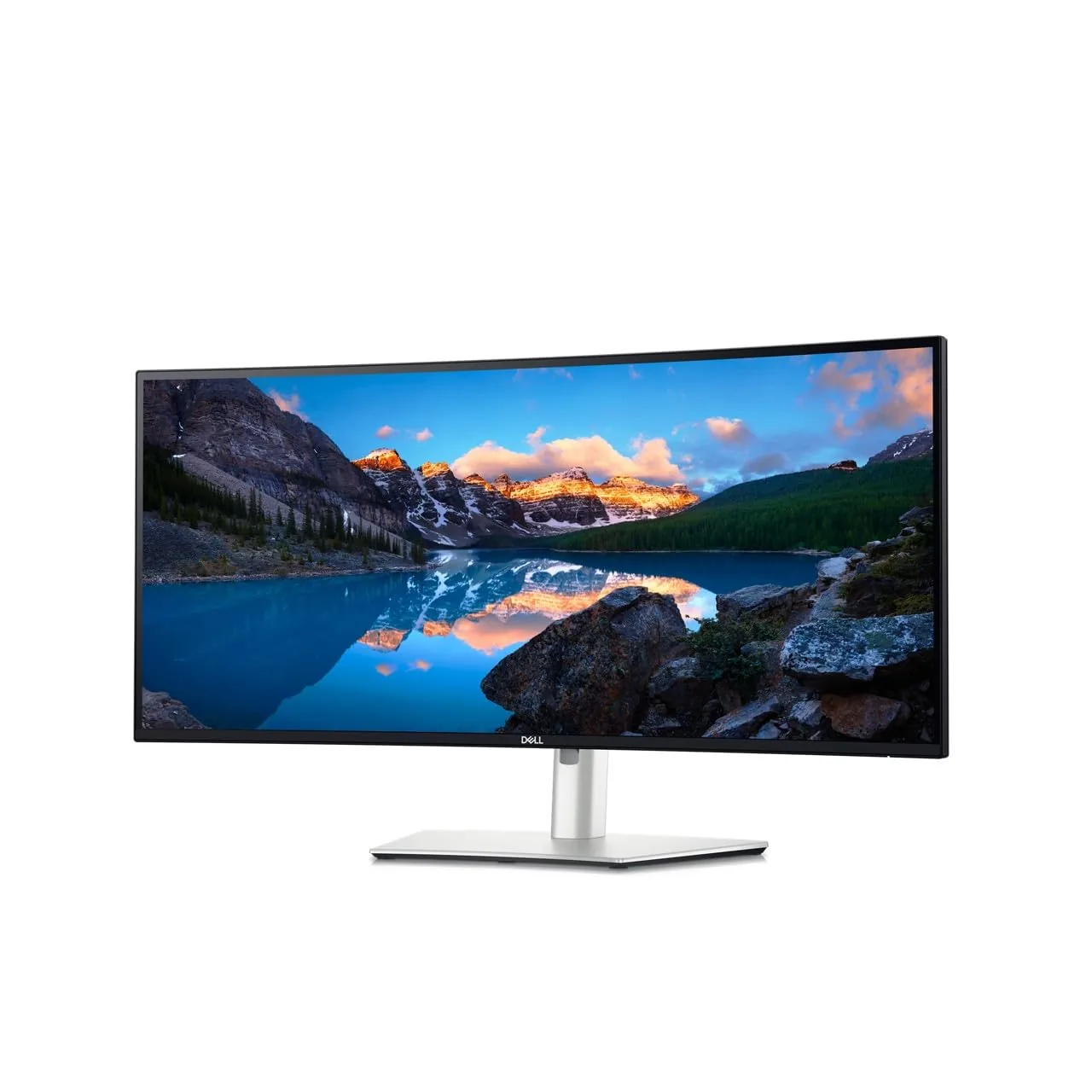
Where This Product Fits (Strengths & Weaknesses) A computer monitor like the Dell UltraSharp 34 U3425WE excels in providing a wide viewing angle and excellent color reproduction, making it ideal for graphic designers or anyone needing precise visual representation. However, its larger size might not be suitable for users with limited desk space or those who prefer smaller screens.
Who Should Avoid This Product Users primarily interested in gaming at high refresh rates may find the Dell UltraSharp 34 U3425WE less appealing due to its lower maximum resolution and refresh rate compared to dedicated gaming monitors. Similarly, budget-conscious buyers might opt for more affordable alternatives that offer similar features but with fewer premium extras.
Comparison With Alternative Options in the Same Category When comparing computer monitors, consider models from different brands like LG or Samsung alongside Dell’s offerings. For instance, an LG 27UK850-W provides a comparable IPS panel and resolution at potentially lower costs while offering additional benefits such as HDR support and USB-C connectivity.
Maintenance and Long-Term Considerations Maintaining your computer monitor involves regular cleaning with appropriate solutions to prevent scratches or damage from abrasive materials. Additionally, ensuring proper ergonomic setup can reduce eye strain and neck pain over extended use periods. Investing in a quality stand or arm also enhances long-term usability by allowing adjustments without physical stress.
Is It Worth Buying the Dell UltraSharp 34 U3425WE?
The value proposition of this computer monitor depends heavily on your specific needs regarding resolution, panel type, and color accuracy. For users prioritizing these aspects over cost or size constraints, it could be a worthwhile investment despite its higher price point.
What Are the Best Alternatives to Dell UltraSharp 34 U3425WE?
Alternative options include monitors from LG (e.g., 27UK850-W) and Samsung that offer similar features but may differ in pricing or additional functionalities like HDR support, making them suitable for different user profiles.
How Do I Know If a Monitor Is Right For Me Before Buying It?
Before purchasing any computer monitor, assess your specific needs regarding resolution, panel type, connectivity options, and ergonomic requirements. Research thoroughly by reading reviews from multiple sources to understand the trade-offs involved in each model’s specifications.
Final Neutral Thoughts Selecting the right computer monitors involves careful consideration of various factors tailored to individual user preferences and use cases. By avoiding common pitfalls and focusing on key features relevant to your needs, you can make a more informed decision that maximizes value for money while meeting all functional requirements effectively.